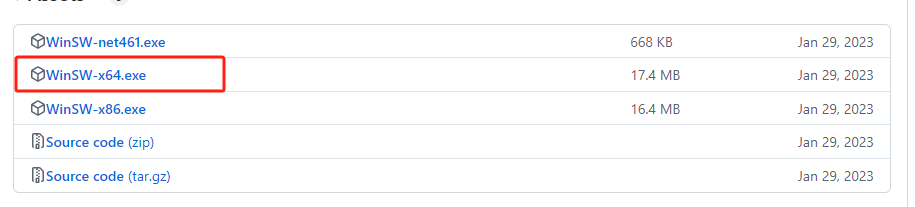
安装winsw
链接:https://github.com/winsw/winsw/releases
新建winsw.xml
<service>
	<!-- 应用ID唯一 -->
	<id>frpc</id>
	<!-- 应用名称 -->
	<name>frpc</name>
	<!-- 应用描述 -->
	<description>frp客户端</description>
	<!-- 执行命令 -->
	<executable>frpc</executable>
	<!-- 执行命令后面追加的参数 -->
	<arguments>-c frpc.ini</arguments>
	<!-- 第1次启动失败的操作,delay启动失败重试间隔时间 -->
	<onfailure action="restart"  delay="10 sec"/>
	<!-- 第2次启动失败的操作,delay启动失败重试间隔时间 -->
	<onfailure action="restart"  delay="10 sec"/>
	<!-- 记录日志 -->
	<log mode="none"/>
</service>
winsw命令
安装frpc服务
./winsw.exe install启动frpc服务
./winsw.exe start停止frpc服务
./winsw.exe stop卸载frpc服务
./winsw.exe uninstall
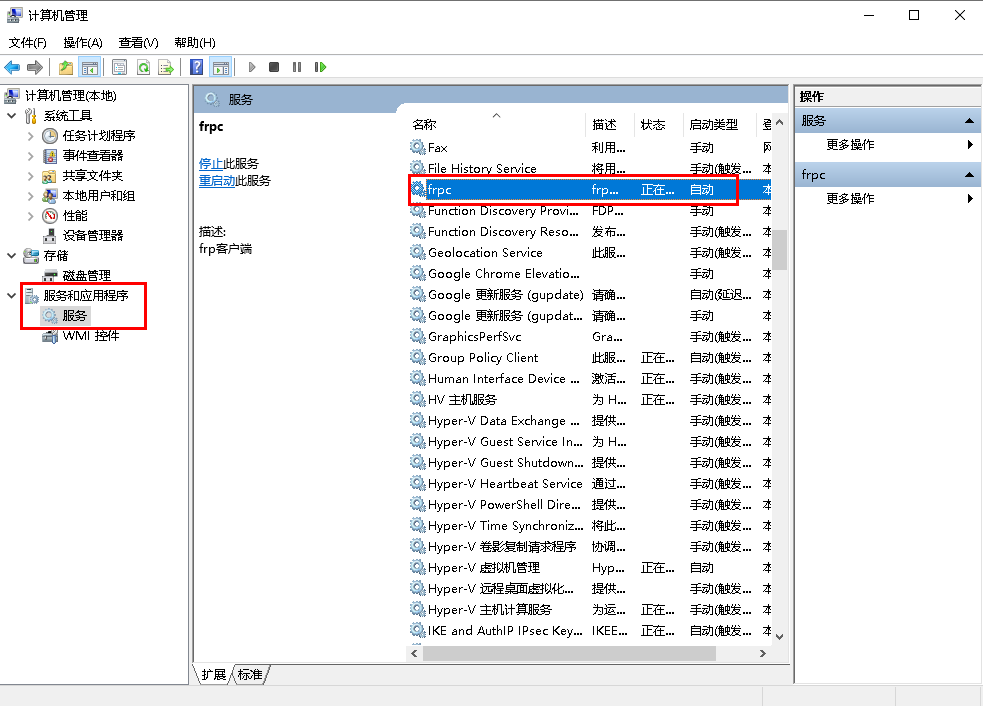
安装成功后可在服务里面进行管理